Welcome to GoSadi support - helping you with tips, best practices and guides for using GoSadi.
To get the best out of this site, use the search field and type in what you are looking for about GoSadi. Or you can browse by topic such as GoSadi Account, Designer Pattern Management, or Maker Project Management. While the GoSadi support site acts as your guide to using best practices on GoSadi, you can also visit the GoSadi Resource Library for even more of the knowledge base we offer designers & brands.
GoSadi


Ensure your customers find designs that are aligned with their expertise.

This comprehensive guide will walk you through everything you need to know about becoming a GoSadi affiliate, how the program works, and how to effectively promote our platform to your audience.

Prioritize size inclusivity, promote diversity and enhance customer satisfaction.
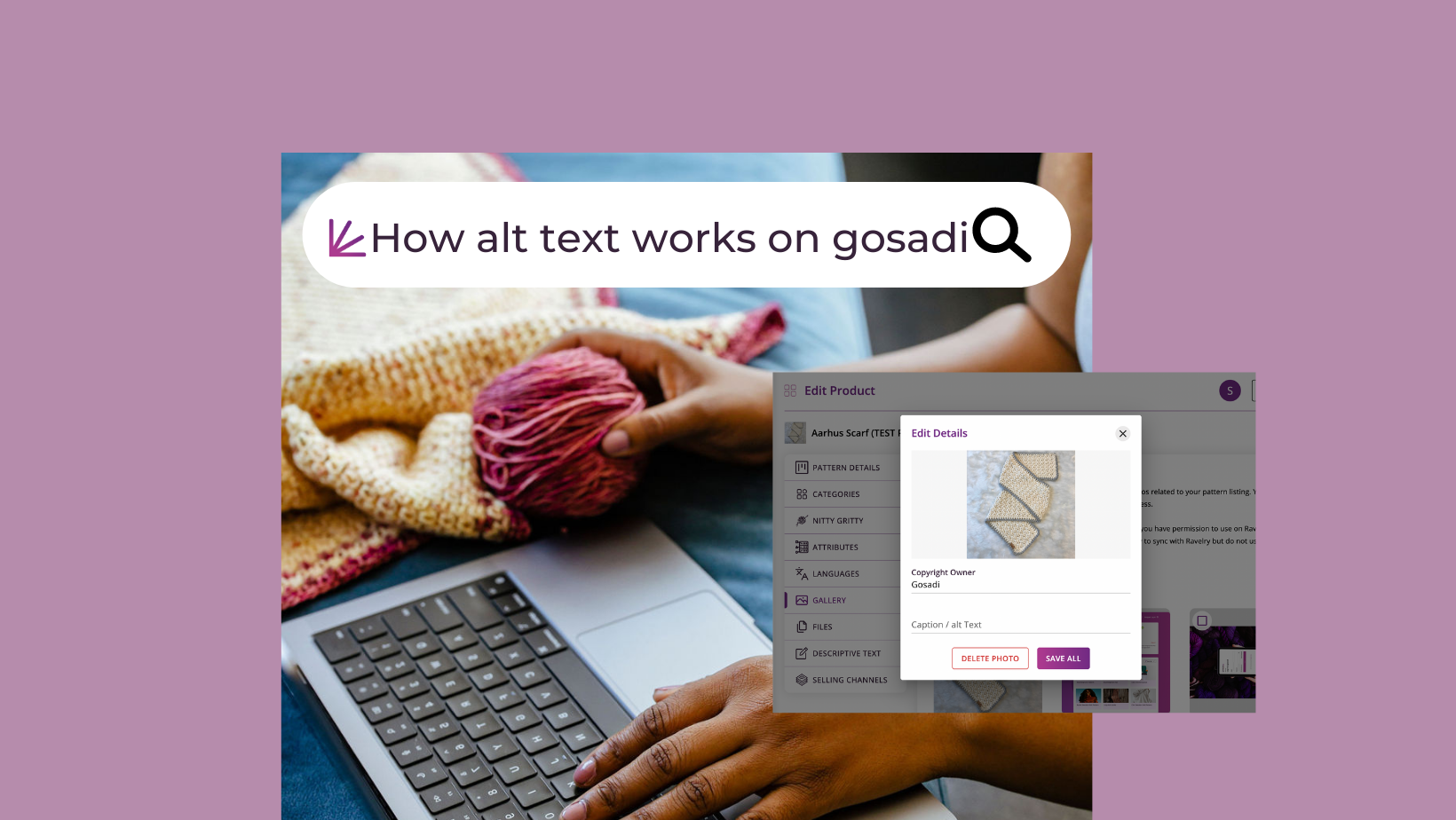

Follow these Alt text best practices to create a more inclusive online experience.

Discover the art of choosing the perfect craft for your gosadi pattern or product.

Learn the art of Housekeeping on gosadi, the key to maintaining up-to-date and appealing pattern listings across your Selling Channels.

Discover how Gosadi's Designer Landing Pages (DLP) feature can elevate your business.

Unlock gosadi's potential: manage patterns, update profile, and showcase designs effortlessly. Happy designing and selling!
GoSadi Account


Ensure uninterrupted access to our services by keeping your billing information updated on gosadi.

Discover the convenience and flexibility of our subscription plans.

Unlock the power of gosadi's centralized hub to streamline your Selling Channels, automate tasks, and focus on unleashing your creative potential.
Designer Pattern Management





In this article we'll walk through the process of adding and syncing PDFs through gosadi for a seamless and efficient Etsy experience
Ensure your customers find designs that are aligned with their expertise.

In this guide we will explain GoSadi’s best options for formatting images on your Designer Landing Page.
In this guide we will explain how you can create a pattern listing on GoSadi directly from your PDF file.

In this guide we will explain setting your Primary Publishing Source.

In this guide we will explain the differences between Archive, Delete, and Hide, so you can manage your patterns better.

In this guide we will show you how to delete patterns from your Product Library.

In this guide we will show you how to (and when to) archive patterns from your Product Library.

In this guide we will show you how to (and when to) hide patterns from your Designer Landing Page.

In this guide we will show you the best practices for optimizing your Pattern Pages for better searchability.

In this guide, we'll take you through a comprehensive, step-by-step approach to help you set up your Etsy shop in GoSadi.

Let’s walk through the Housekeeping process for your patterns on Etsy while using gosadi. We'll explore the various fields in Etsy and how they relate to product information tabs in gosadi.

In this article we'll walk through the process of adding and syncing PDFs through gosadi for a seamless and efficient Etsy experience

We're breaking down how gosadi SMARTS! handles the Pattern Name field during an Etsy import, providing you with clear insights into how SMARTS! ensures your data remains precise and reliable, making your inventory management smoother and more efficient.


Want to learn more about how gosadi’s Yarn selection and how it relates to Ravelry? Check out this post.

Learn how to use the Hide DLP and Hide Pattern features for strategic control of your Designer Landing Page and pattern listings.

Optimize your Ravelry patterns with gosadi's Housekeeping for an enhanced inventory experience.
Prioritize size inclusivity, promote diversity and enhance customer satisfaction.
Follow these Alt text best practices to create a more inclusive online experience.
Discover the art of choosing the perfect craft for your gosadi pattern or product.
Learn the art of Housekeeping on gosadi, the key to maintaining up-to-date and appealing pattern listings across your Selling Channels.

Discover the power of gosadi connect and manage your Selling Channels effortlessly from one account. Seamlessly sync your designs with platforms like Ravelry for increased revenue opportunities.
Maker Project Management




Designer Landing Page (DLP)

In this guide we will explain GoSadi’s best options for formatting images on your Designer Landing Page.
In this guide we will show you how to (and when to) hide patterns from your Designer Landing Page.

In this guide we will show you the best practices for Optimizing your Designer Landing Page for better searchability.
Learn how to use the Hide DLP and Hide Pattern features for strategic control of your Designer Landing Page and pattern listings.
Discover how Gosadi's Designer Landing Pages (DLP) feature can elevate your business.

Effortlessly add and customize patterns on your Designer Landing Page (DLP) with gosadi SMARTs
Maker Landing Page (MLP)
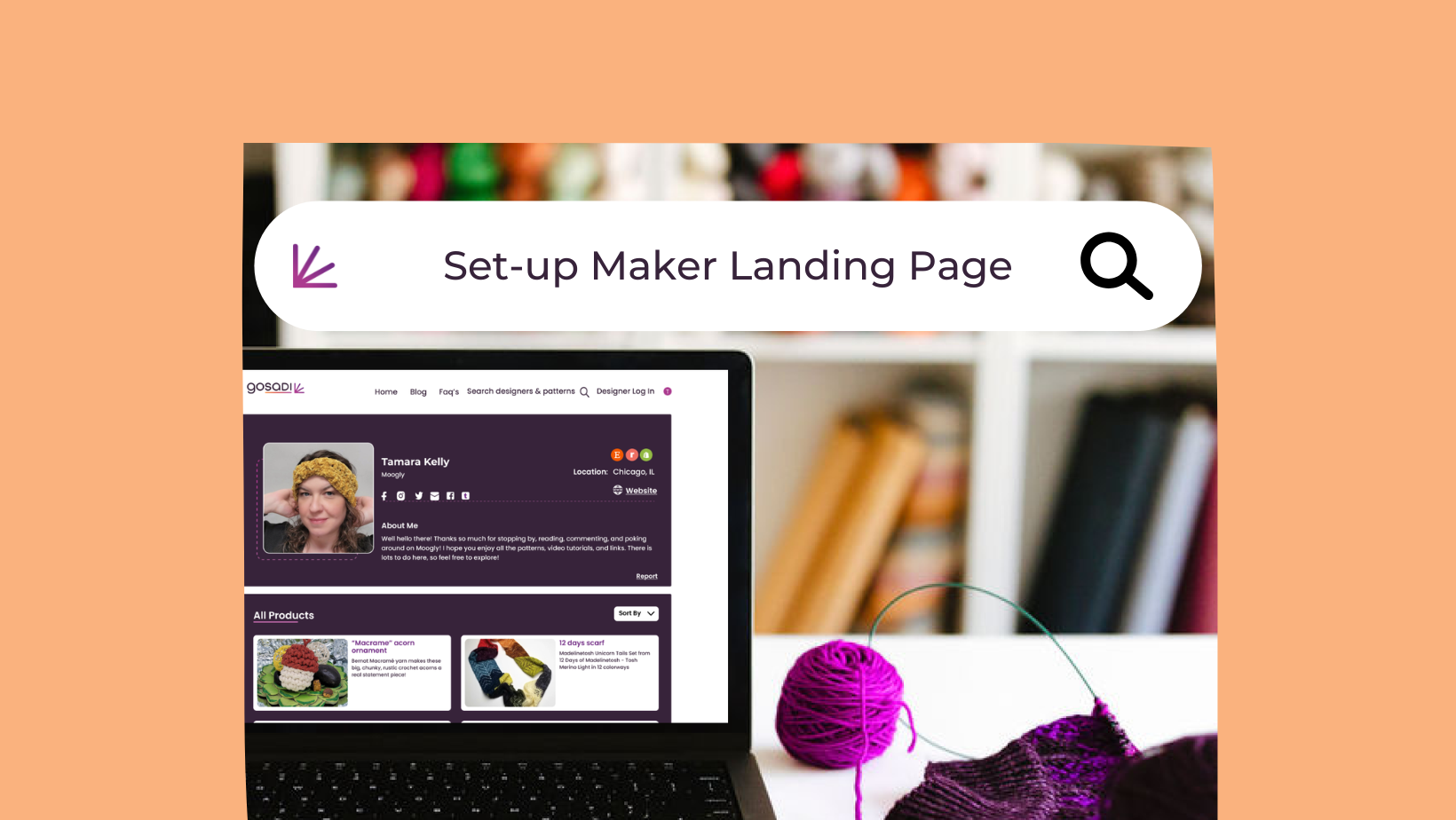

Connect your Maker Account to Ravelry in a few clicks.
Selling Channels



In this article we'll walk through the process of adding and syncing PDFs through gosadi for a seamless and efficient Etsy experience
In this guide we will explain setting your Primary Publishing Source.
In this guide we will show you the best practices for Optimizing your Designer Landing Page for better searchability.
In this guide, we'll take you through a comprehensive, step-by-step approach to help you set up your Etsy shop in GoSadi.
In this article we'll walk through the process of adding and syncing PDFs through gosadi for a seamless and efficient Etsy experience
We're breaking down how gosadi SMARTS! handles the Pattern Name field during an Etsy import, providing you with clear insights into how SMARTS! ensures your data remains precise and reliable, making your inventory management smoother and more efficient.
Want to learn more about how gosadi’s Yarn selection and how it relates to Ravelry? Check out this post.
Optimize your Ravelry patterns with gosadi's Housekeeping for an enhanced inventory experience.
Discover the power of gosadi connect and manage your Selling Channels effortlessly from one account. Seamlessly sync your designs with platforms like Ravelry for increased revenue opportunities.
Building Community