
Sell Knitting and Crochet Patterns on Fybe
IMPORTANT: Connecting GoSadi with Fybe does not count towards your GoSadi subscription total Selling Channels limit. In other words, connecting to Fybe is free!
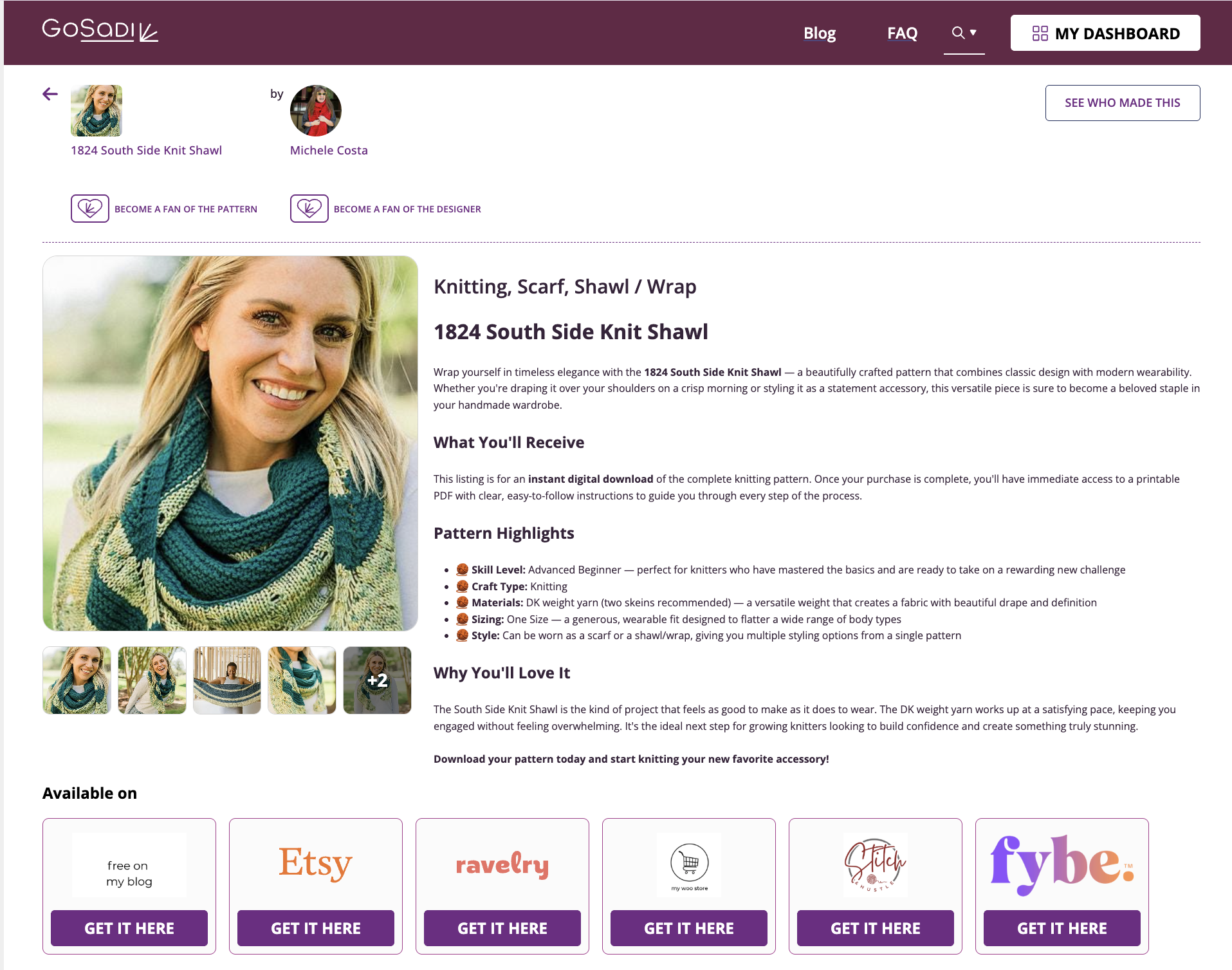
You can list your knitting and crochet patterns on Fybe from GoSadi in just a few minutes. Once your pattern is live on Fybe, your customers see it alongside your other selling channels on your pattern page.
Before You Start
Make sure your Fybe account is connected to GoSadi
You’ll also need your pattern’s PDF in your Product Library
List a Pattern on Fybe
1. Go to Product Library
2. Click the pattern you want to list on Fybe
3. Click the Selling Channels tab
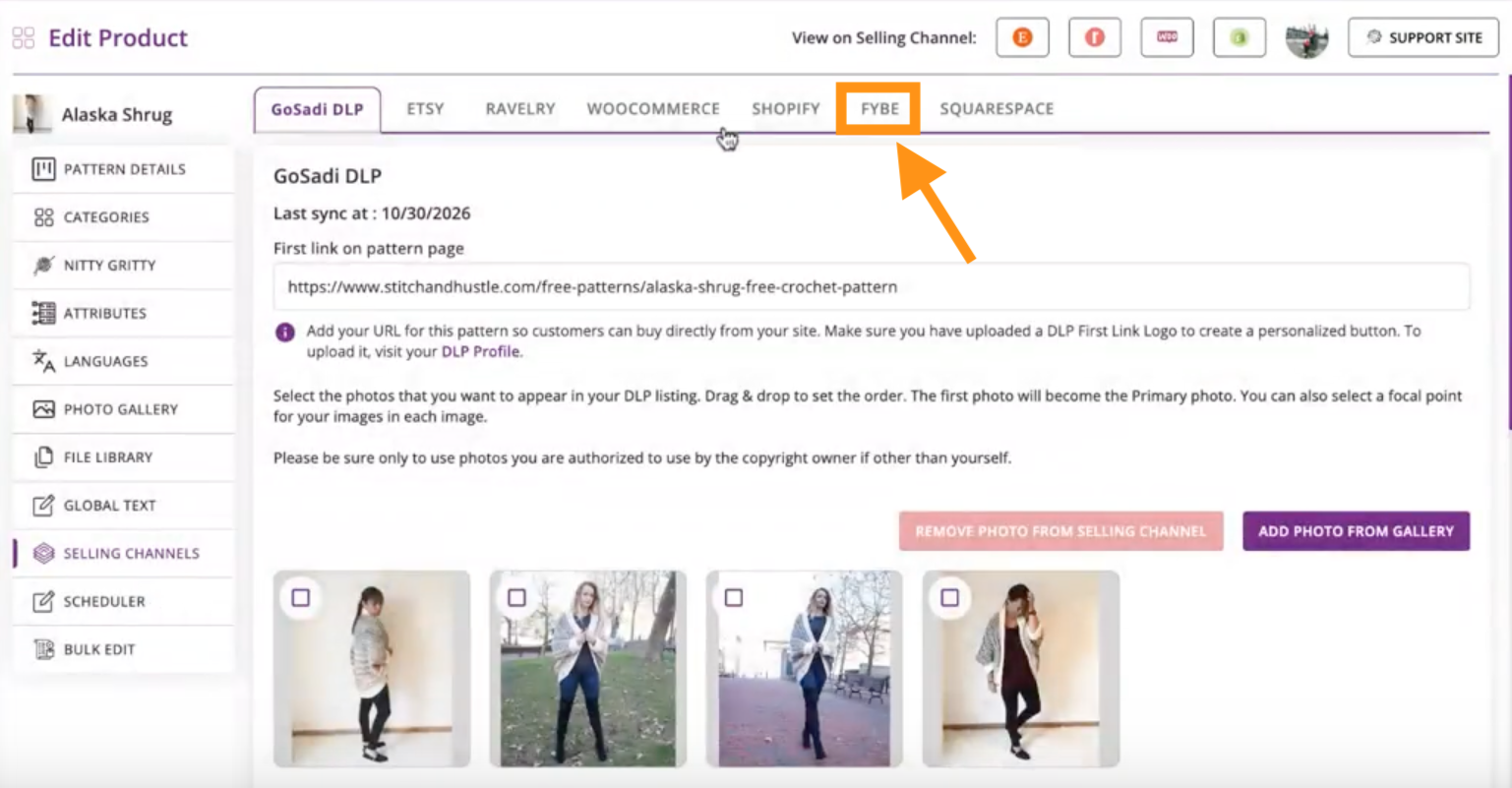
4. Click the Fybe tab at the top of the page
5. Change the Listing Status from Draft to Publish
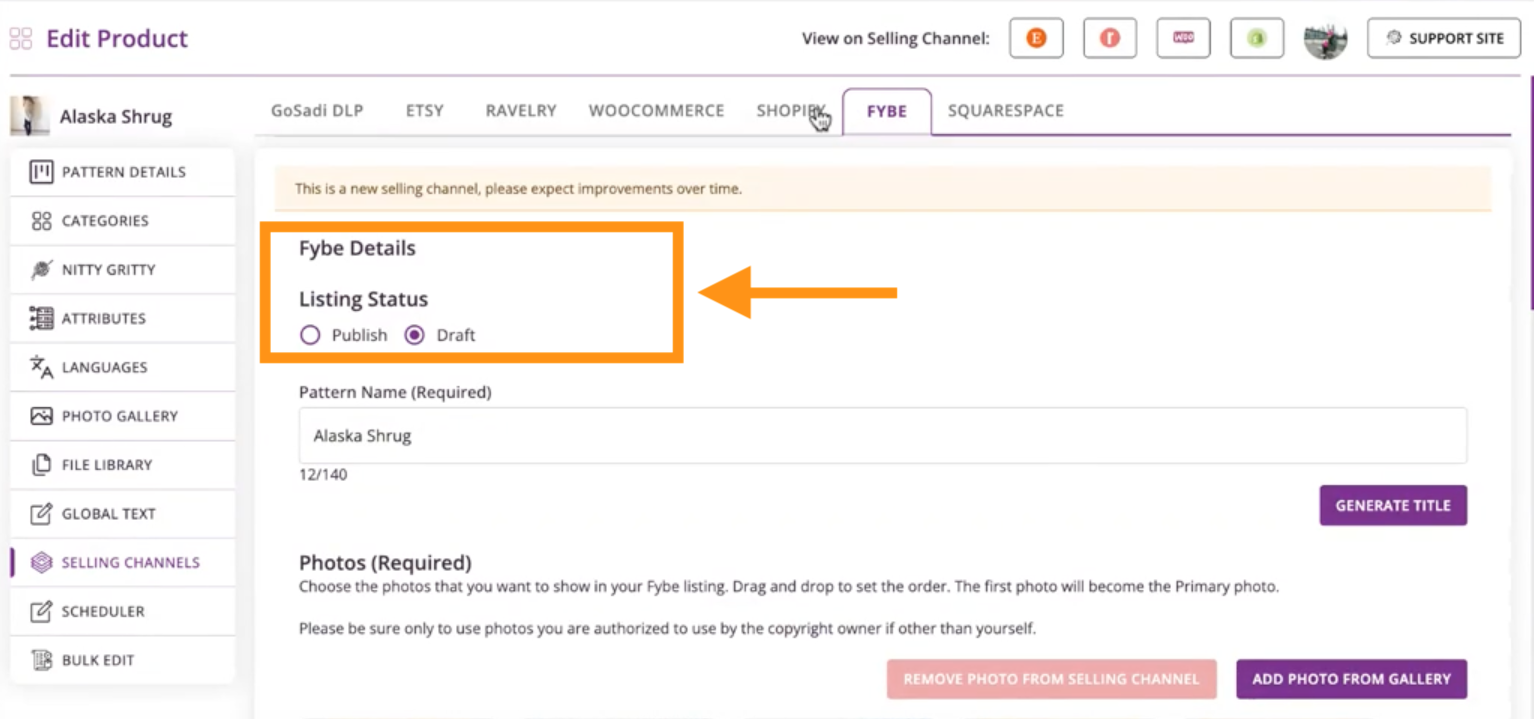
6. Enter the Pattern Name
7. Review the photos and remove those you don’t want to use on Fybe
8. Write your own Description, or click GoSadi SMARTS!™ to generate one from your pattern data
9. Write a Short Description or use GoSadi SMARTS!™ to create one that is SEO optimized
NOTE: You can edit generated descriptions to match your brand voice.
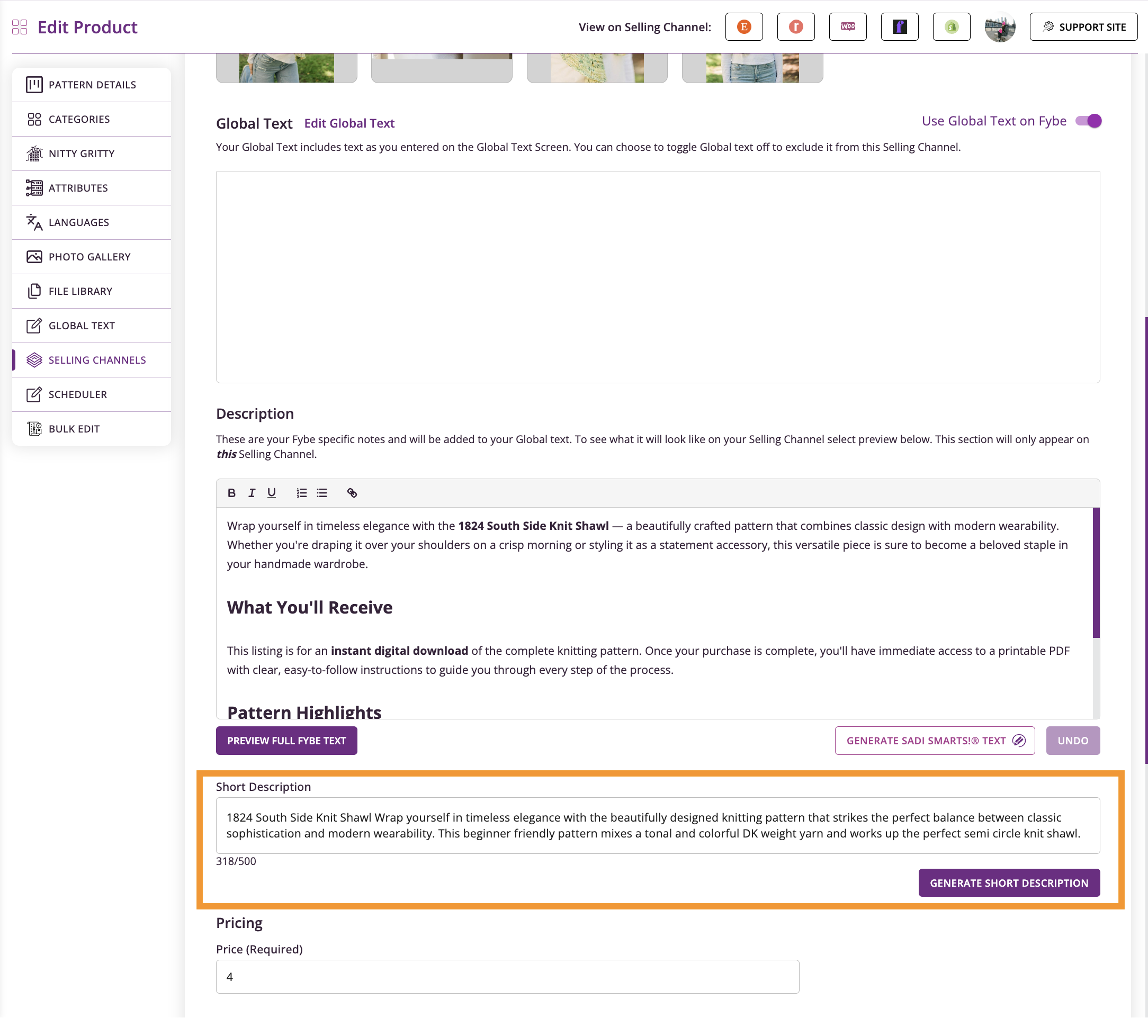
10. Enter the Price
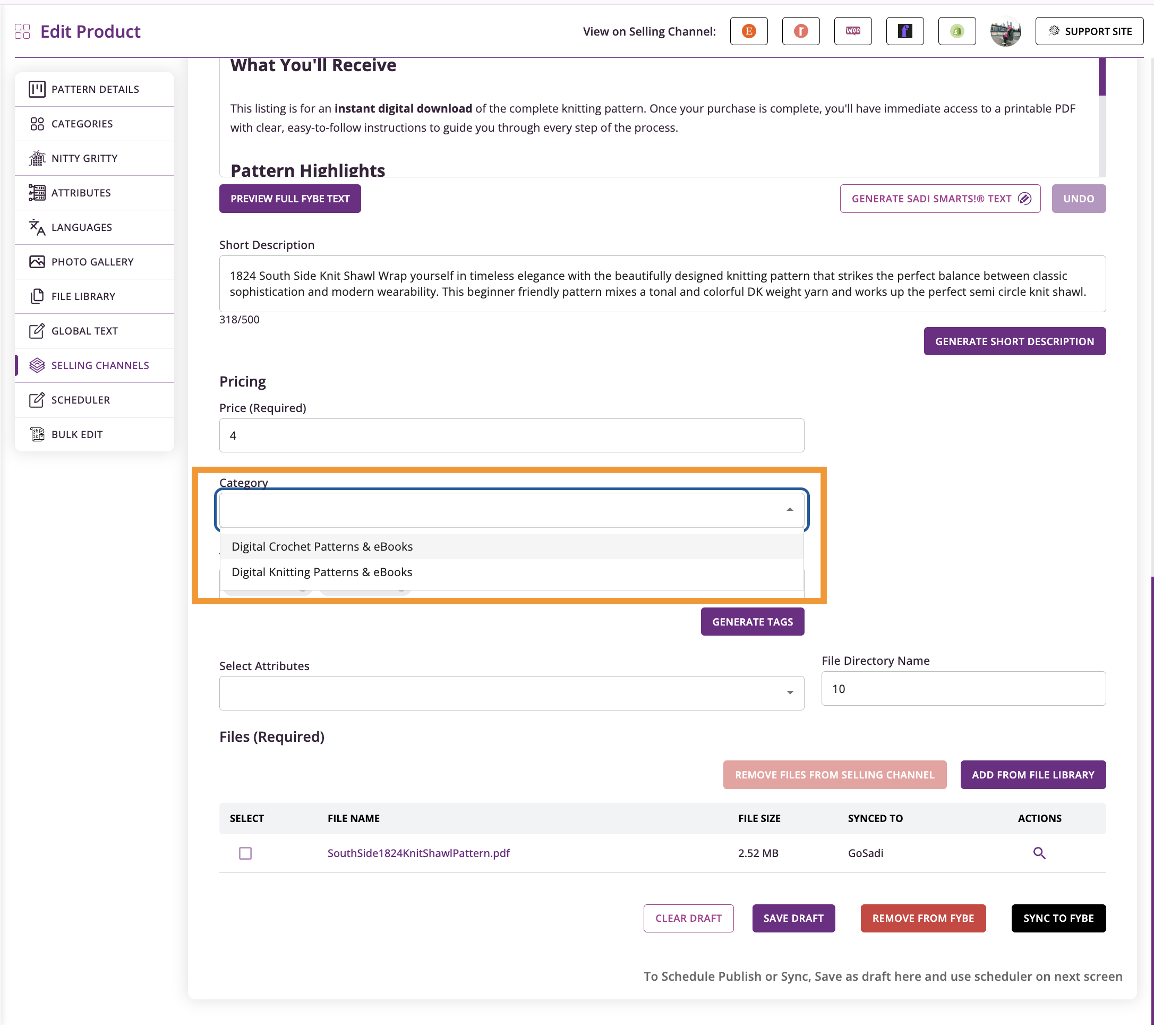
11. Select a Category
12. Add Tags
IMPORTANT: Fybe requires at least two tags before you can publish.
13. Confirm your PDF is attached. Add the file if it’s missing.
14. Click Publish to Fybe
Your pattern syncs to Fybe in a couple of minutes. Once it’s published, you’ll see a confirmation message.
Confirm Your Listing
1. Go to Product Library
2. Find the pattern you listed on Fybe
3. Confirm that the Fybe logo appears with your other selling channels
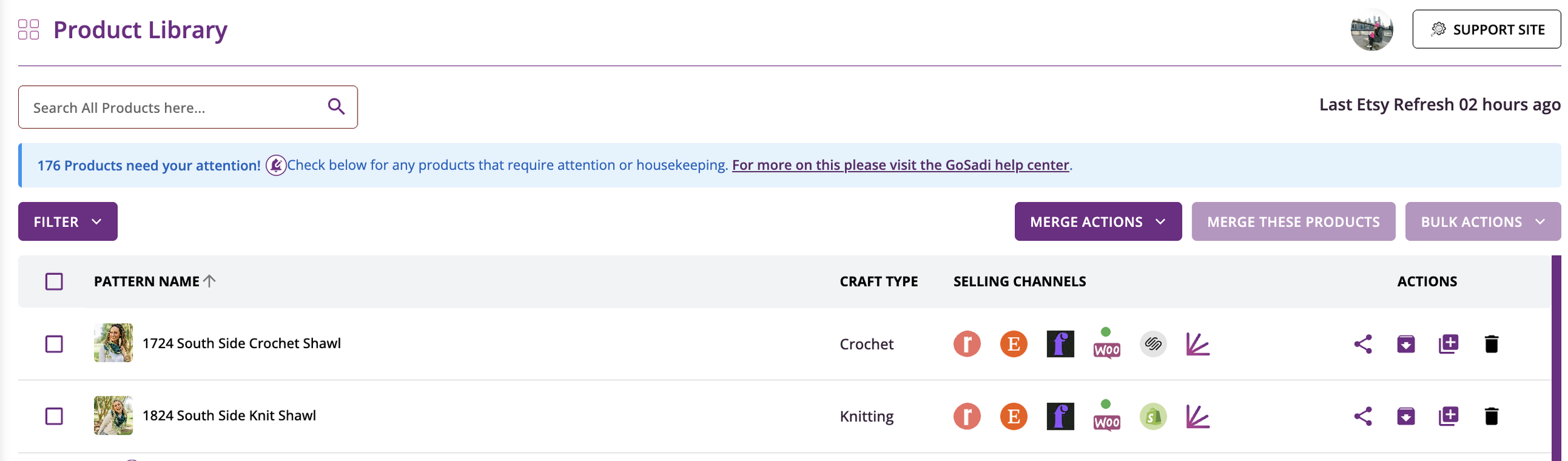
Your customers can now find the pattern on Fybe, and it appears on your pattern page with your other purchase options.
To explore all the features and benefits that GoSadi has to offer, visit our website today!