
Use GoSadi's Smart Auditors to Improve Your Listings
GoSadi's Smart Auditors use data-driven AI (rather than generative AI) to analyze your pattern listings and suggest improvements for better reach and sales. Run audits on your entire shop, specific patterns, or focus on particular issues like missing tags or weak SEO.
What are Smart Auditors?
GoSadi’s Smart Auditors are opt-in, data-driven AI tools that audit your listings against best practices for each of your selling channels. They:
Analyze your pattern listings and identify issues
Check against a selling channel’s own best practices (like Etsy's Seller Handbook)
Suggest and prioritize improvements you can use right away
Give you feedback to improve sales and reach
Let you decide which suggestions to accept or ignore
Are available for Ravelry, Etsy, and WooCommerce with Shopify and SquareSpace coming soon
Access Your Smart Auditor
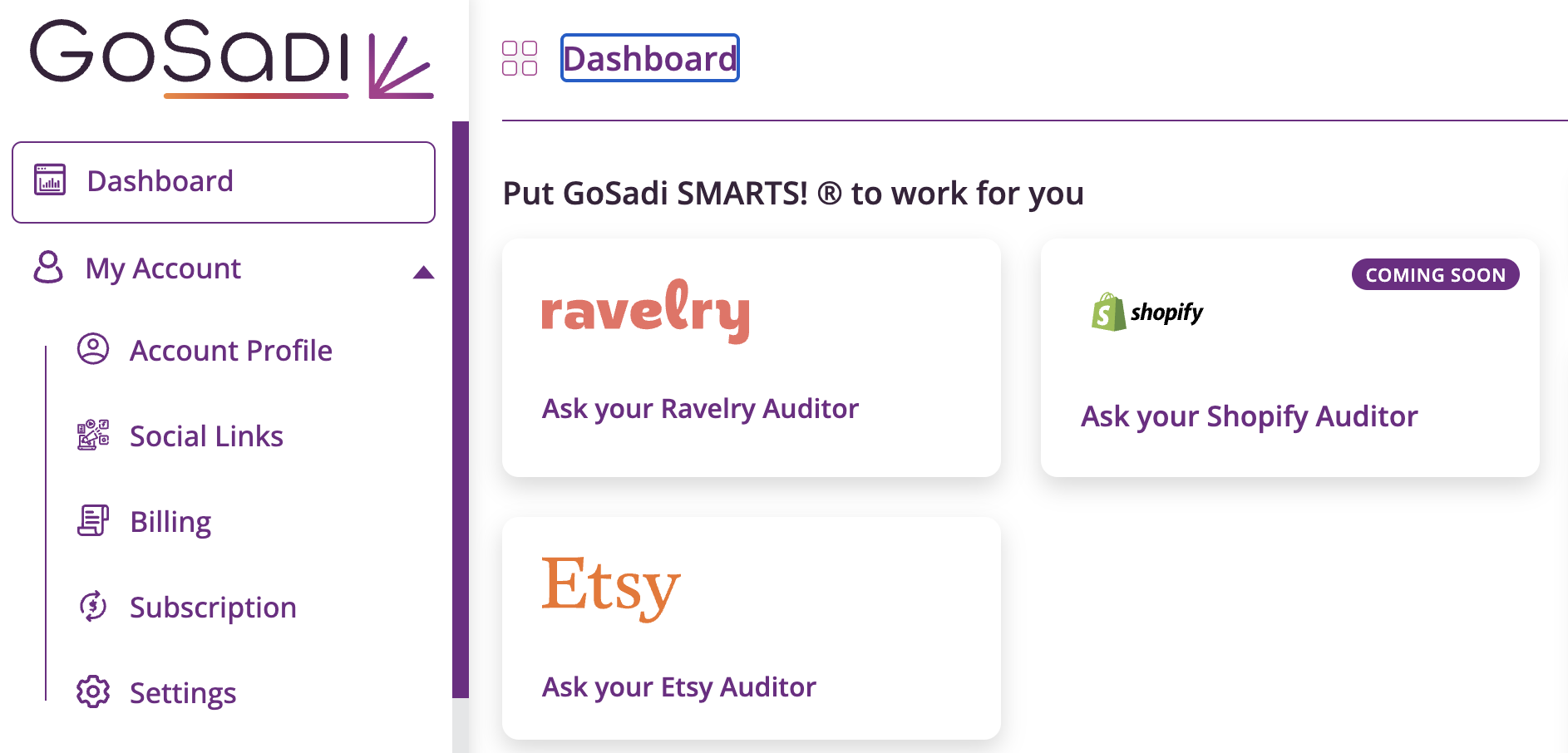
Go to your Dashboard
Look at the top of your dashboard for Auditor Cards
You'll see an Auditor for each connected selling channel
Click the Auditor you want to use
Ask Your Auditor Questions
Smart Auditors work when you ask them questions. You can use the pre-set questions in the prompt or ask your own custom question.
Pre-Determined Questions
The pre-set questions you can choose from are customized by selling channel. These help you audit for common issues on those channels.
Patterns with the weakest SEO
Patterns that need better descriptions
Which attributes are best
Missing or better tags on listings
Health reports related to that selling channel
Review draft patterns prior to publishing
Test listings that need removal
NOTE: Pre-determined questions vary by selling channel. Check your auditor for the specific questions available for your channel.
Custom Questions
You can also ask the auditor something specific and have it analyze your listings based on your question.
EXAMPLE: Ask the auditor to review a specific pattern by title and suggest improvements for it. The auditor analyzes that pattern and gives you a report and priotized adjustments to make it better.
Review Your Auditor Report
Once your auditor completes the analysis, your report is ready.
1. Go to your Notification Center (in your dashboard)
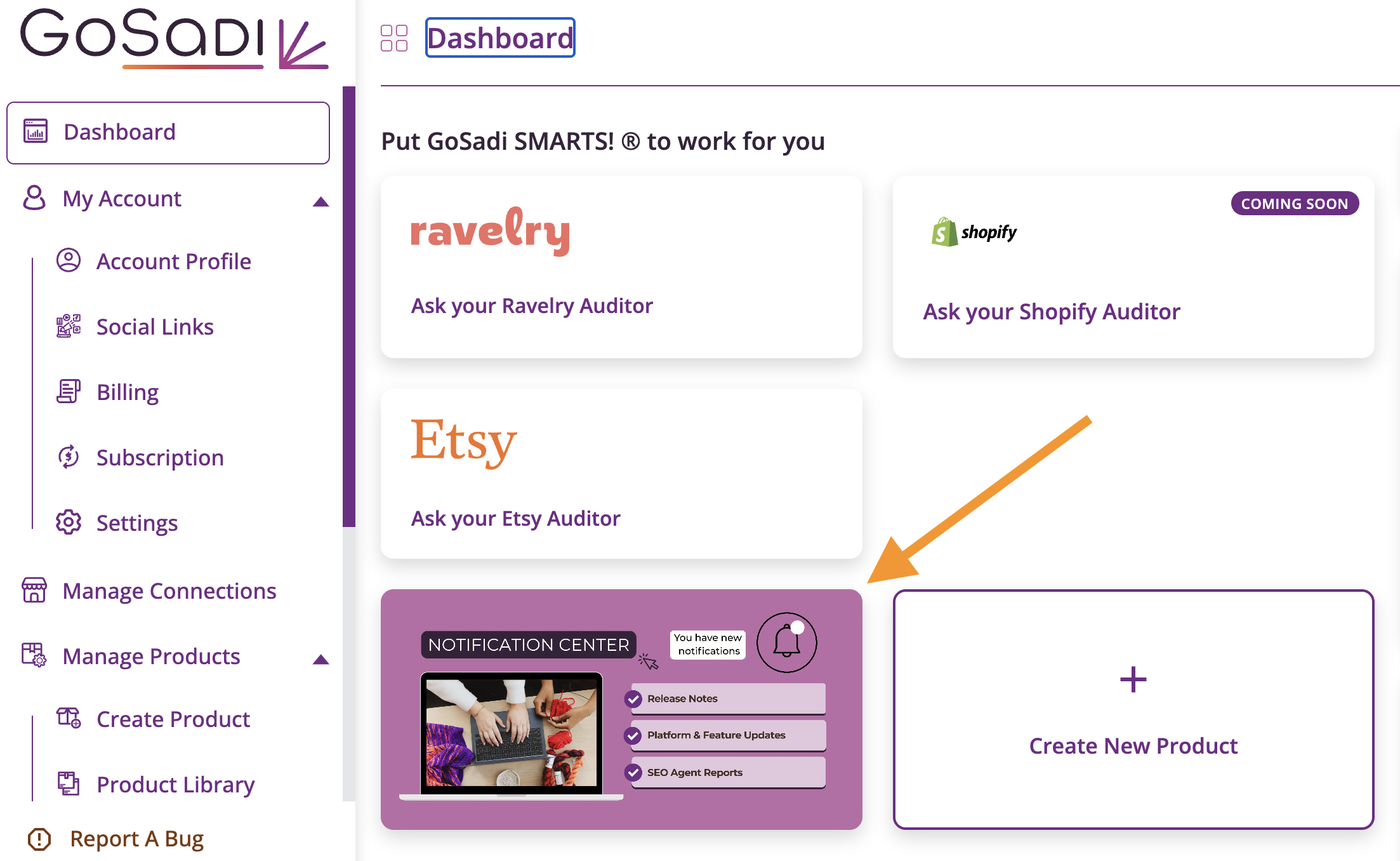
2. Click Auditor Reports

3. You'll see all reports you've requested, listed by date
4. Click on a report to view the full audit
5. The report shows
What listings were reviewed
Specific issues identified
What might be hurting your sales
What you can improve
Suggestions checked against selling channel best practices
What to work on first if your time is limited
Understand Your Audit Results
Your auditor report includes detailed feedback on various aspects of your listings.
Common findings:
Missing tags or attributes on specific listings
Weak titles (checked against selling channel best practices)
SEO opportunities
Draft patterns that need management
Test listings taking up space in your shop
Overall listing health assessment
What to do with findings:
Review each suggestion
Decide if you want to make the change
You can accept or ignore any suggestion
Make updates to your listings as needed
IMPORTANT: You can run a full shop audit once per month. Because this is a resource-intensive task, the frequency of the full shop audit is limited to one time per month.
Report Timing
Report generation time depends on what you ask the Auditor.
Simple audits (like checking for missing tags or attributes) generate faster
Full shop audits take longer because they review everything
Custom questions vary based on how much analysis is needed
You'll be notified when your report is ready.
Types of Audits You Can Run
Full Shop Audit
Reviews your entire shop
Identifies all major issues
Limited to once per month
Best for comprehensive analysis
Focused Audits
Look at specific problems (SEO, tags, drafts)
Can run multiple times
Faster results
Good for targeting one issue
Custom Audits
Ask about a specific pattern or specific characteristic
Get personalized improvement suggestions
Review individual listing performance
Good for optimizing your bestsellers
Make Changes Based on Auditor Feedback
Review your Auditor Report
Identify which suggestions you want to implement
Go to your Product Library
Open the pattern that needs changes
Update the information as suggested by the Auditor
Publish your changes to your selling channels
Run another audit later to continue making improvements
Other Helpful Tips
To explore all the features and benefits that GoSadi has to offer, visit our website today!