
Bulk Edit Prices Across Selling Channels
You can change a pattern’s price on all of its selling channels at once. This is useful for sales, collaboration pricing, or fee adjustments. You can also change prices across many patterns on a single channel.
Change One Listing’s Price Across Channels
1. Go to Product Library
2. Click the pattern you want to edit
3. Click Bulk Edit in the left menu
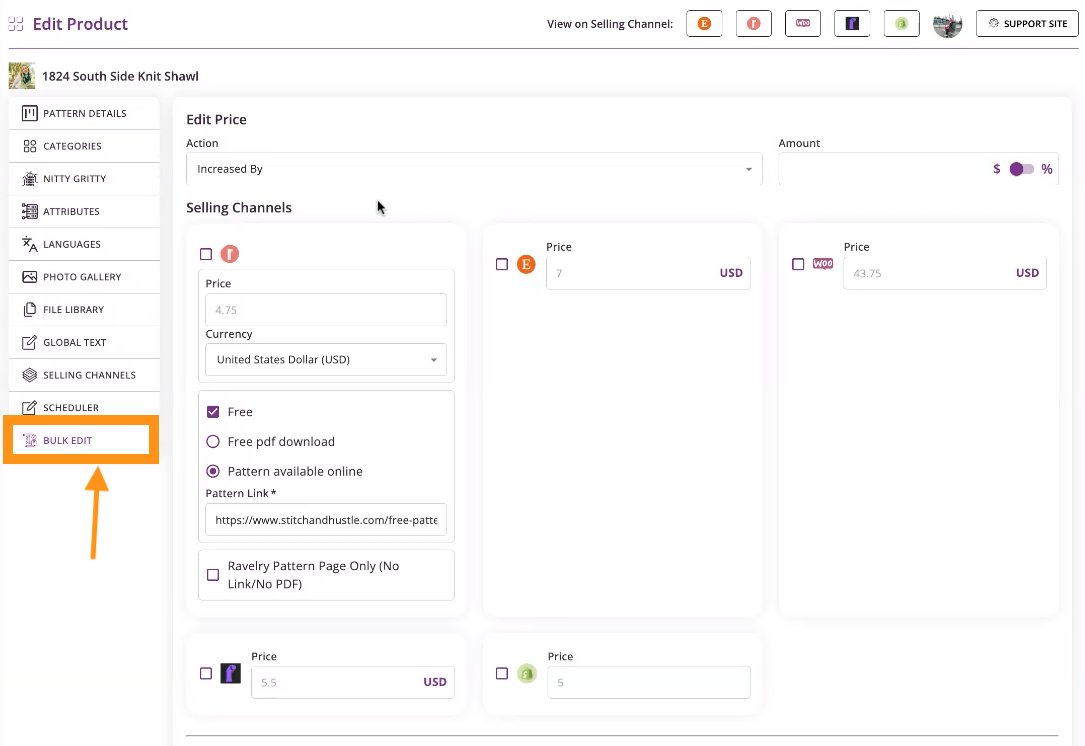
4. Choose to increase or decrease the price from the drop-down menu

5. Choose whether to change the price by an amount or by a percentage
6. Enter the amount or percentage
7. Select each selling channel where the change should apply
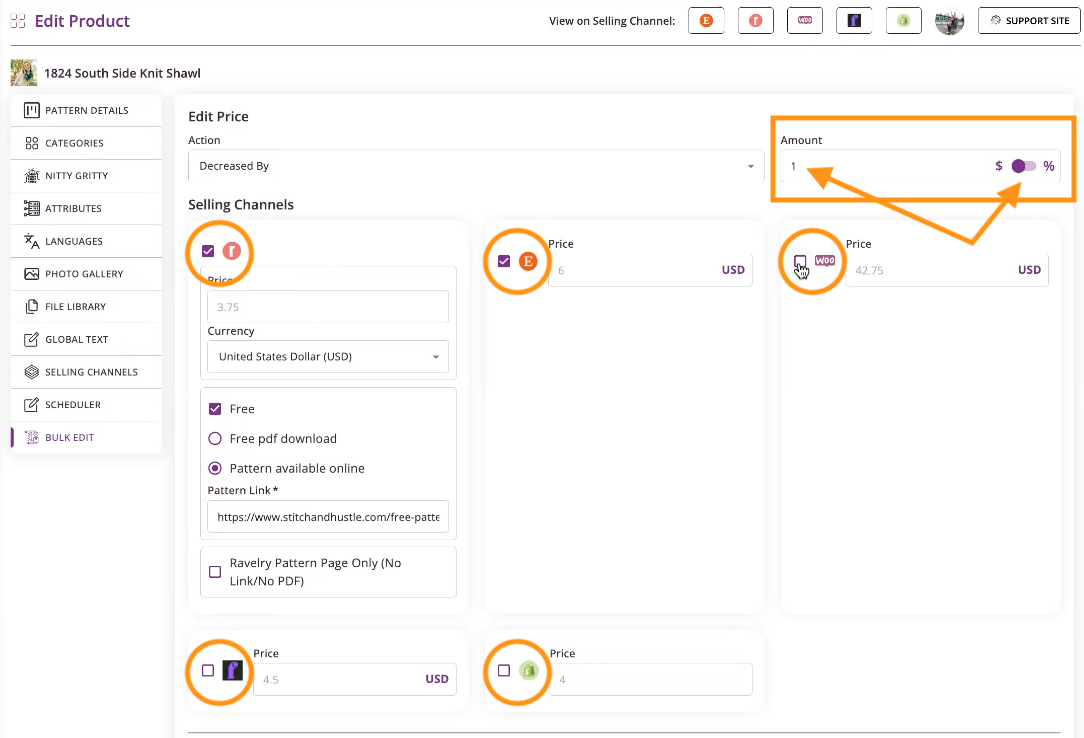
8. View old and new prices
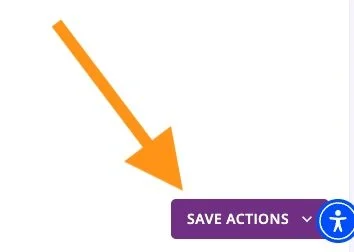
9. Click Save Changes
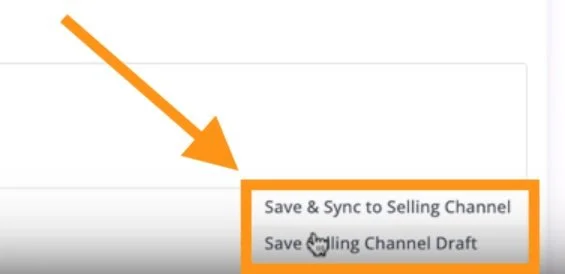
10. Click Sync
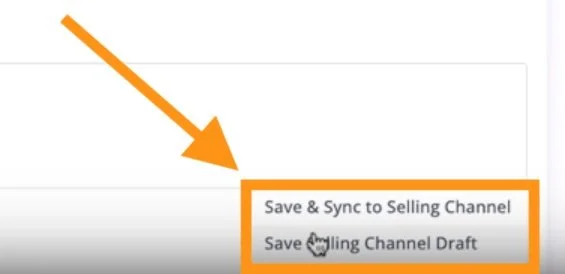
Your pricing updates on all selected channels in less than a minute.
Change Prices for Multiple Listings on One Channel
1. Go to Product Library
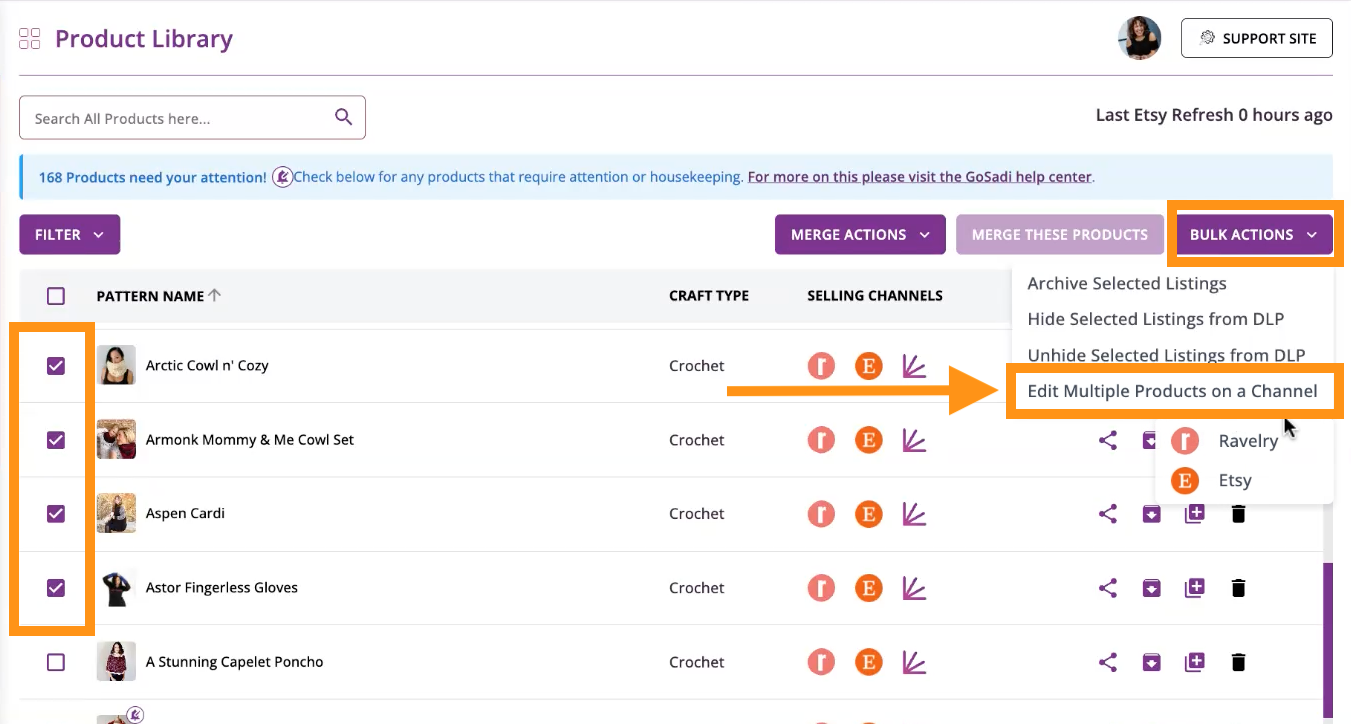
2. Select the checkbox next to each pattern you want to edit
3. Click the Bulk Actions button in the upper-right corner
4. Click Edit Multiple Products on a Channel
5. Select the channel you want to edit
NOTE: Bulk action only shows channels that all of your selected patterns share. If you remove a pattern from your selection, the list of channels may change.
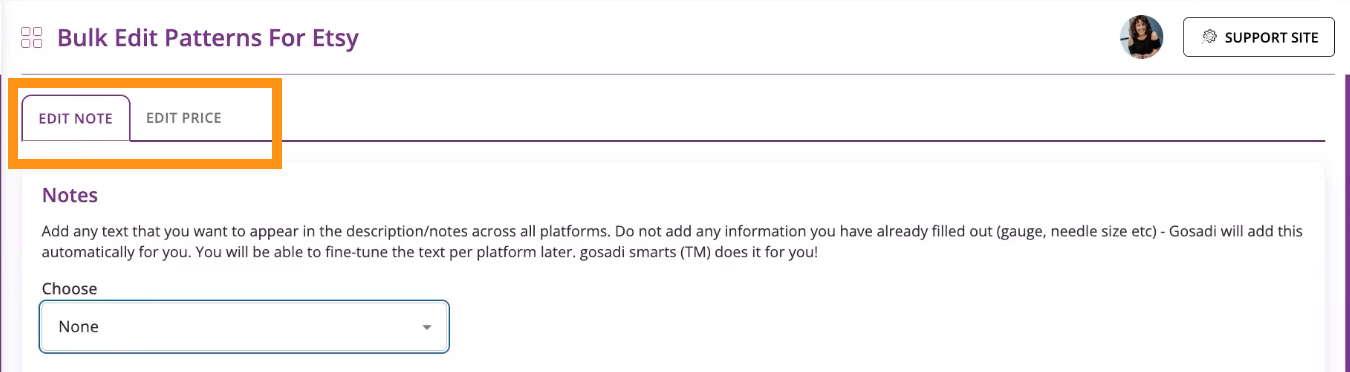
6. Click the Edit Pricing tab
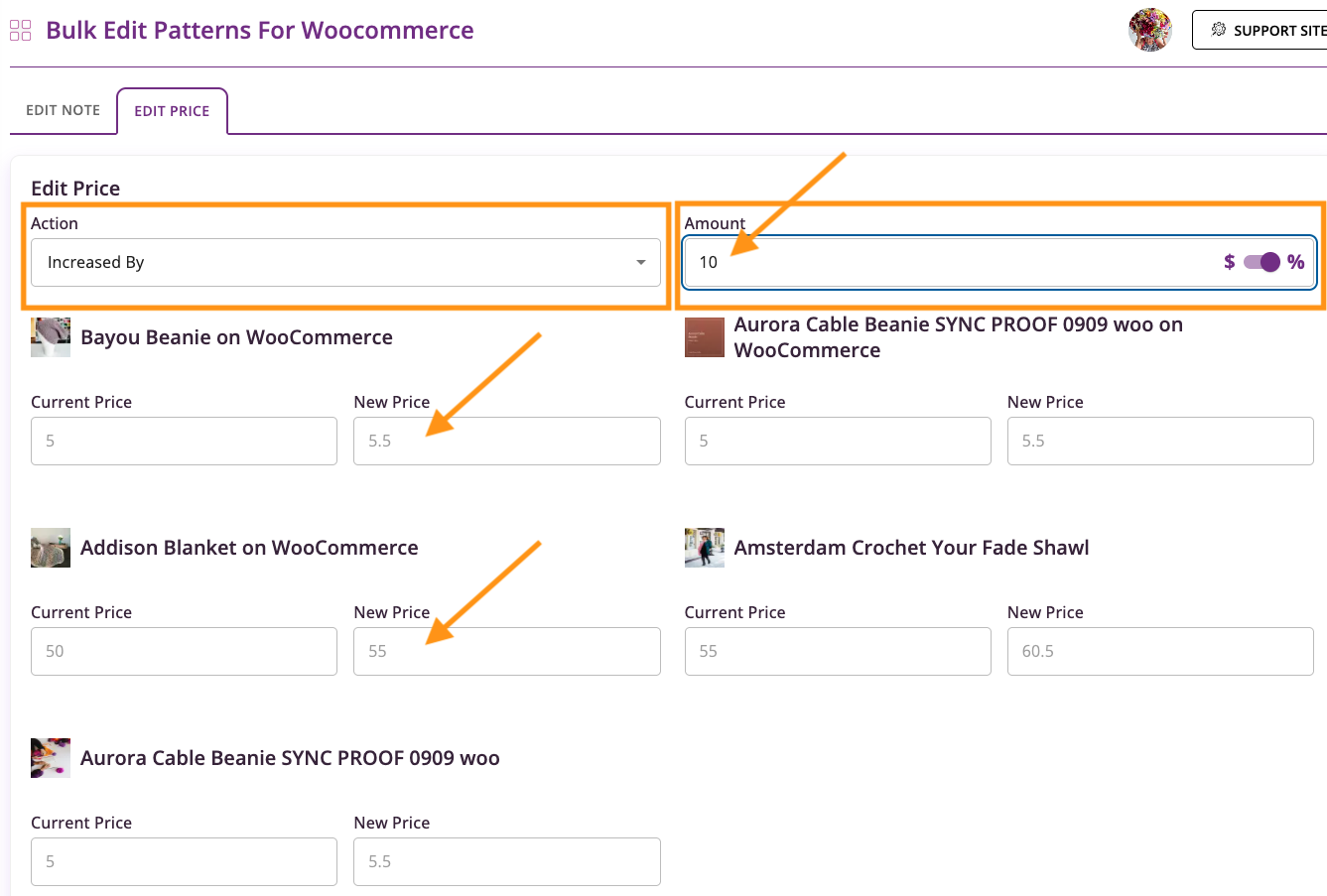
7. Choose to increase or decrease the price from the drop-down menu
8. Toggle dollar amount or percentage
9. Enter the amount you want the price to change by
10. Review the new price shown for each pattern
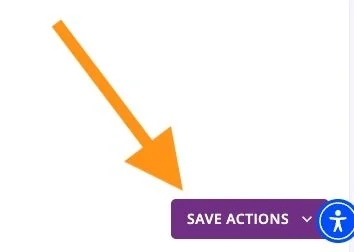
11. Click Save and Sync
Check Your Changes
1. Go to the selling channel where you made the change
2. Confirm the new price appears on the pattern
Changes can be reversed anytime by editing the price again.
To explore all the features and benefits that GoSadi has to offer, visit our website today!