
Getting Started with GoSadi as a Maker
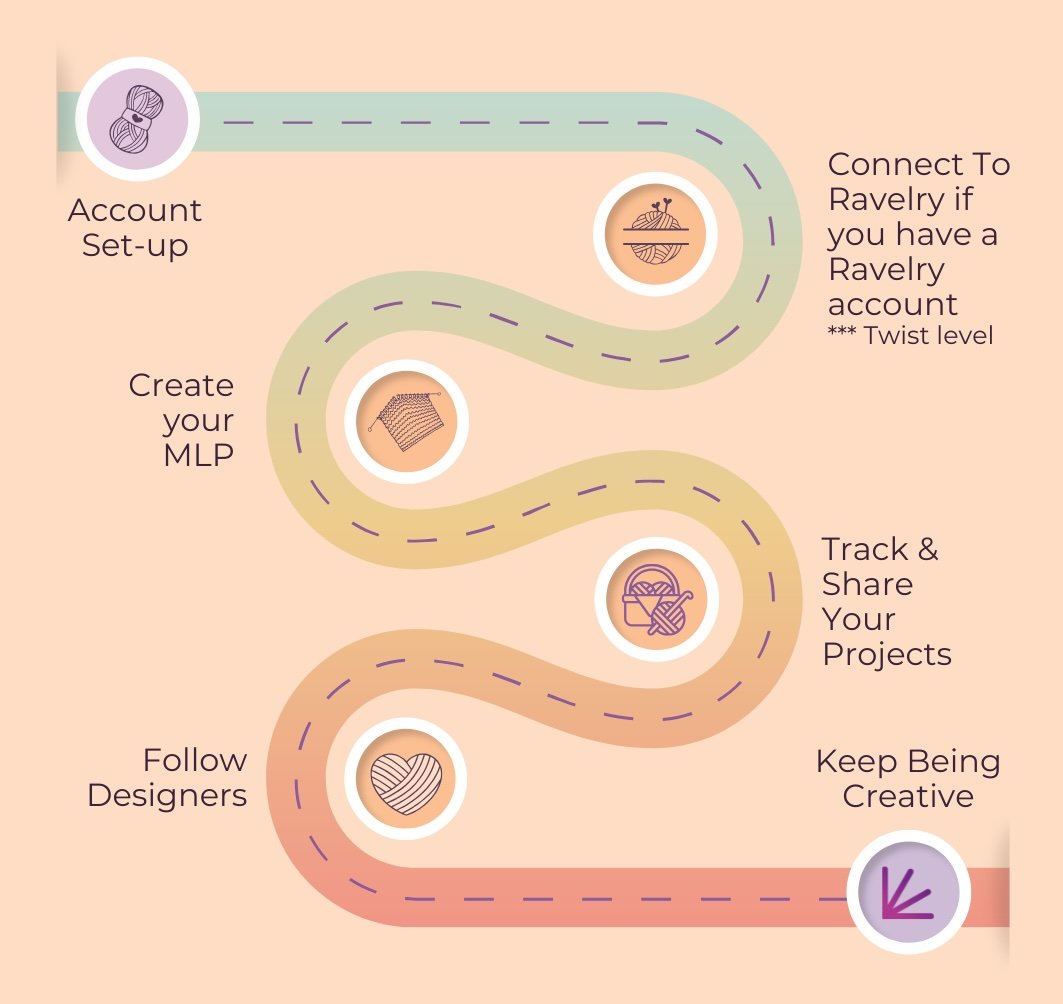
We are so excited to welcome you to the GoSadi community where you will discover not just a tool to have your digital project journal across platforms and in your pocket on the go - but a place to truly build your community!
This roadmap is all you need to get started for success on the platform!
Below is your complete guide to getting set-up, connecting your Ravelry if you want (available at the Twist level), and building out your GoSadi Maker Page and community.
Some steps will take a bit of time but it is so worth it for all the time you will save and convenience you add once you start using GoSadi!
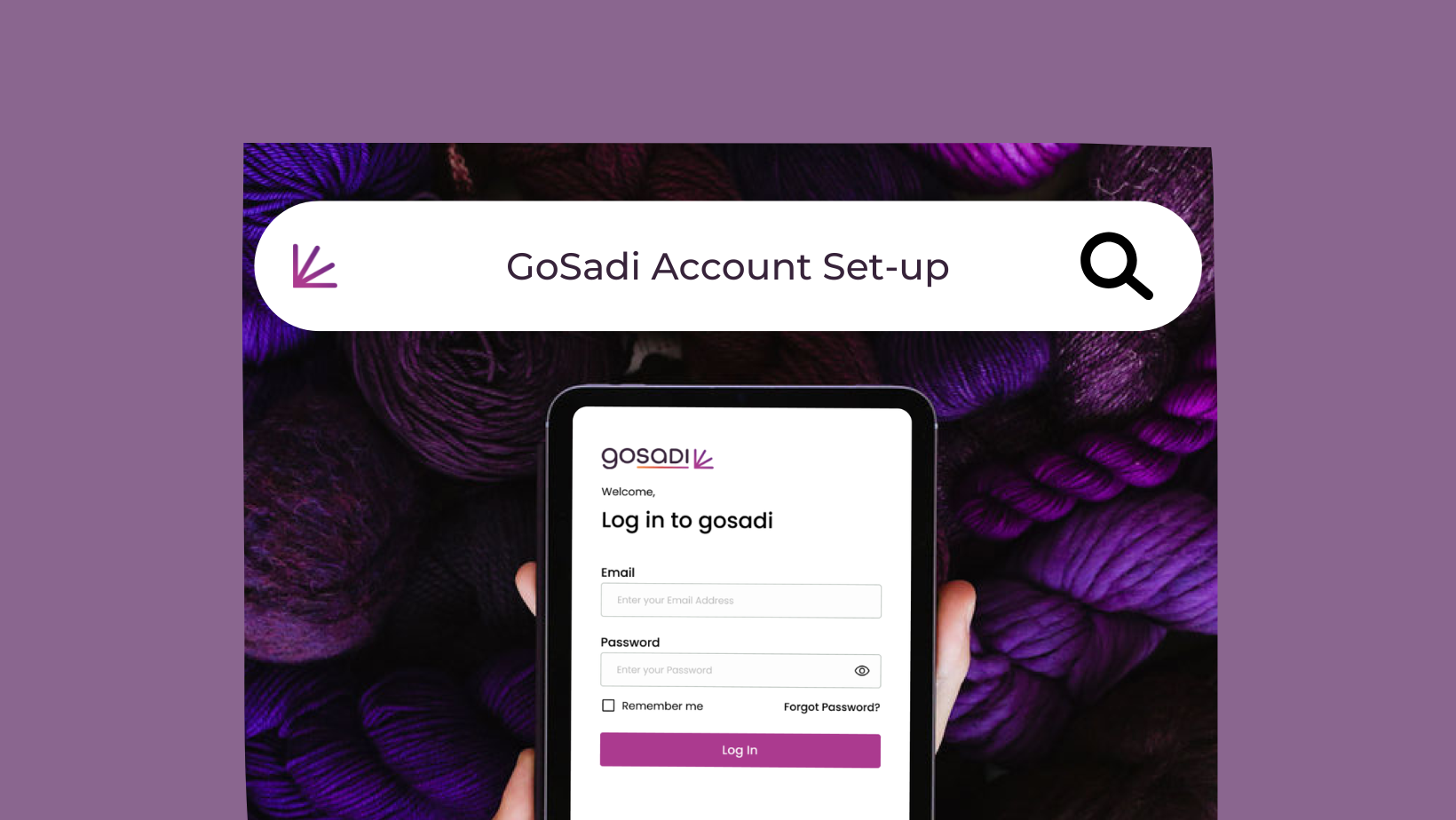
1. Maker Account Set-up
Get started on GoSadi by creating your My Account page and personalize it.
GoSadi Suggestion: Bookmark this link so you can access the login page quickly.
2. Connect Ravelry
Connect to your Ravelry and bring all your projects’ information, including photos, updates, and more into your GoSadi Project Journal.
**Currently only your project will import - coming soon is your pattern library, likes and queue
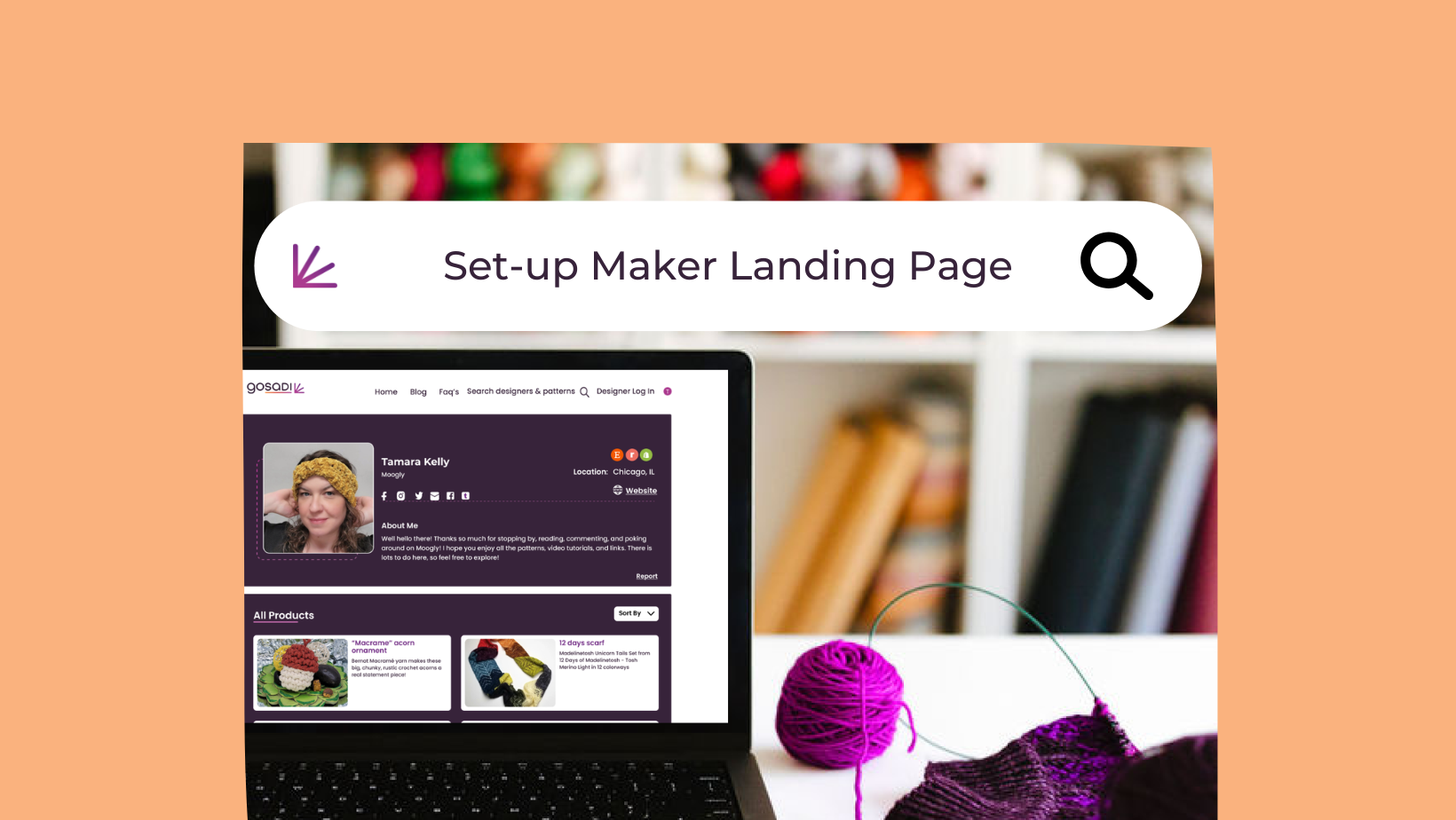
3. Create Your MLP
Build-out your Maker Landing Page (what we lovingly call “MLP”) and learn how to make it all your own by customizing your Maker Profile.
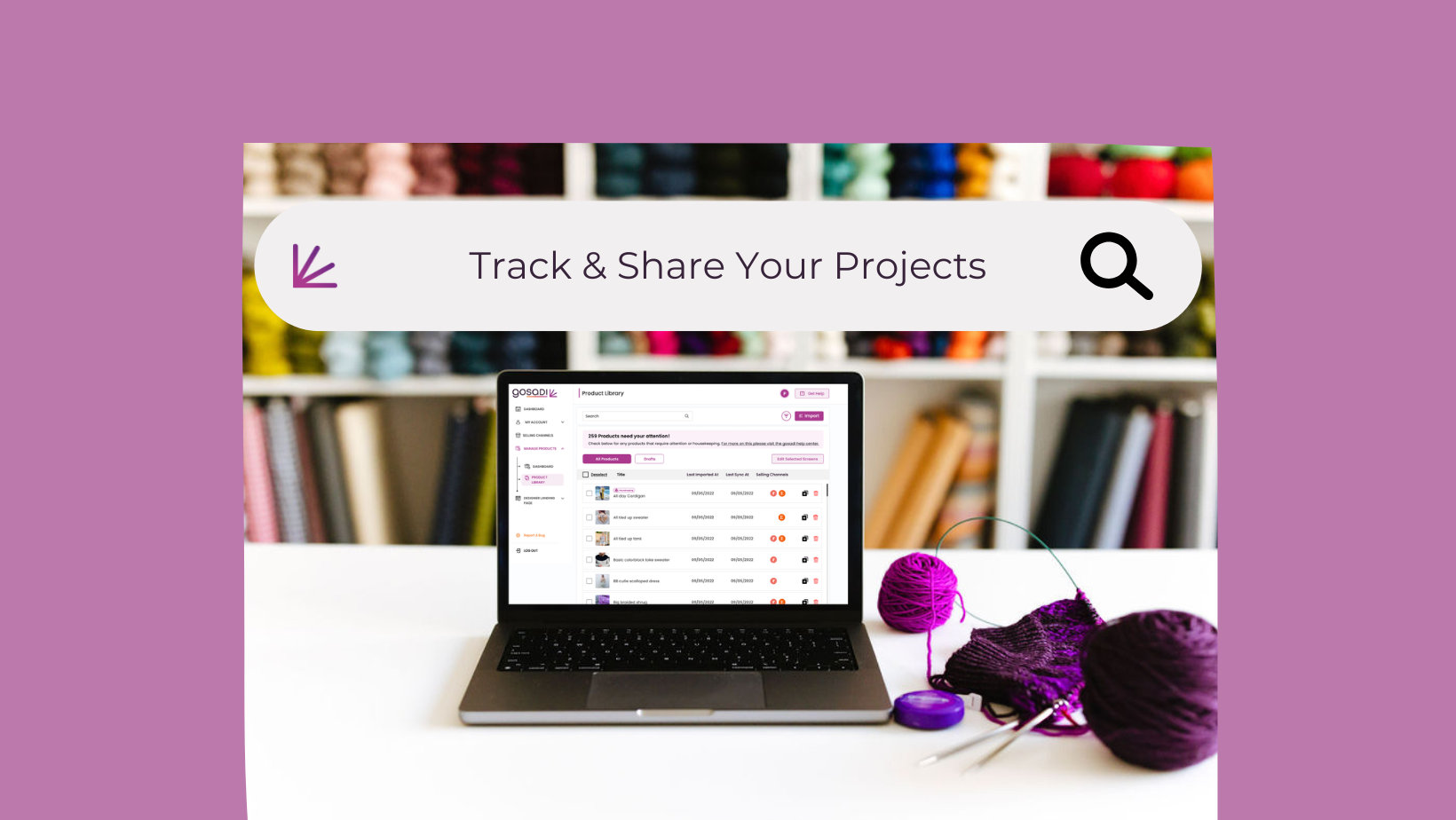
4. Track & Share Your Projects
Create projects, track them, and share them all from GoSadi.
5. Fan Designers
You can become a fan of designers, patterns, and small businesses. Here’s how!
To explore all the features and benefits that GoSadi has to offer, visit our website today!